
PowerPoint or Canva Software

Infographics Design for Social Media and Email Marketing

  • Last Update : 04 Sep 2025
  • English
  • 1325 students
Corporate Training
7 HR | 14 HR  (PowerPoint Knowledge Required)

Courses Description

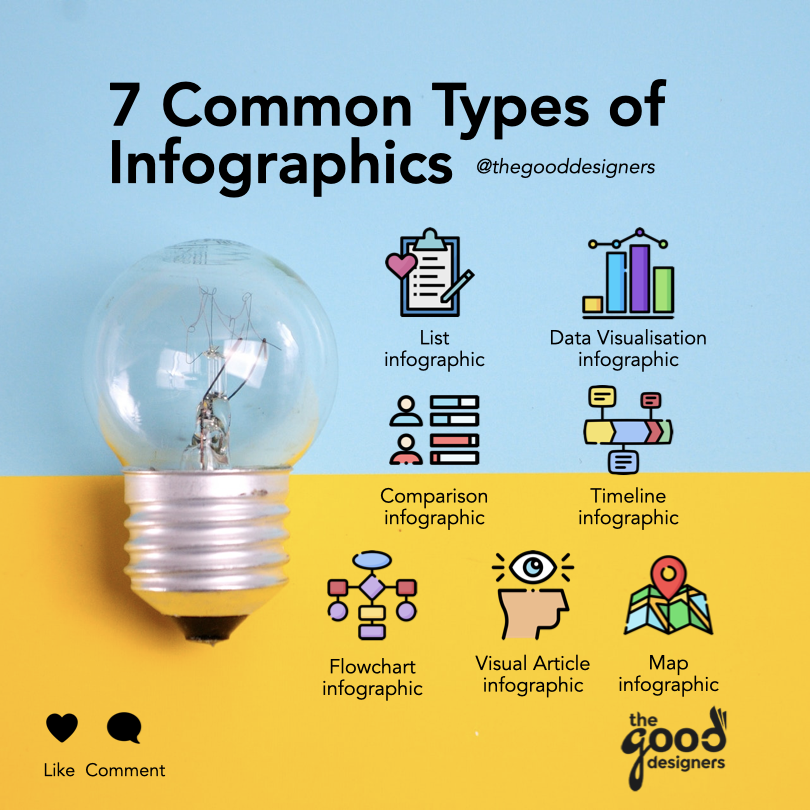
In today's digital age, where attention spans are short and visual content reigns supreme, infographics have become a popular tool for conveying information in a clear and concise way.

Infographics can be used to present complex data and statistics, explain a process or concept, or simply to grab your audience's attention.

In this workshop, we will explore the art of creating effective infographics for social media and email marketing. We will cover the basics of design principles and how to choose the right colors, fonts, and images to make your infographic visually appealing and easy to understand. 

Whether you're a marketer, social media manager, content creator, or simply interested in learning more about infographics, this workshop will equip you with the skills and knowledge needed to create engaging and effective visual content.

This is a hands-on workshop to create 2 types of social media infographics (List and Flowchart) and 1 email marketing infographic, either with Microsoft PowerPoint (version 2016 and above) or Mac's Keynote software.

Let's get started!

Note: Zoom classes, $380/pax, scheduled 6-8 times a year.
Face to face (physical) classes are $418/pax, min. 5-6 pax to start a class, scheduled 6 times a year.

Course customization is available for private or corporate runs with min. 10 pax.

What you'll learn
  • Visual Design Theory: Layouts
  • Colour Theory and Application in Design
  • Design Resources: Graphics and Icons
  • Social Media Infographics Case Study: Good & Bad
  • Hands-on activity to design 2 social media infographics (portfolios included below course outline)
  • Email Marketing Design Case Study: Good & Bad
  • Hands-on activity to design 1 email marketing infographic (portfolios included below course outline)
  • Design Consultation, Q&A with Trainer
Course content
4 Modules • PowerPoint or Canva Software • 7 HR | 14 HR training

Upcoming Course Schedules
  • 13 Jan 2026, Tuesday 9:30 AM - 5:30 PM ( Seats available, F2F class )
  • 10 Mar 2026, Tuesday 9:30 AM - 5:30 PM ( Seats available, F2F class )


Class Portfolios and Resources | FAQs

Meet your Instructors
Charmaine Lee
Charmaine Lee
Chief Learning Officer, The Good Designers

Hello 👋🏼 I’m Charmaine, Chief Learning Officer at The Good Designers.

I’m passionate about all things creative, and in recent years I’ve been on a mission to design and deliver impactful learning experiences in social media, digital marketing, and graphic design.


I empower professionals, entrepreneurs, and educators with practical strategies to build authentic personal brands that stand out, attract opportunities, and drive meaningful engagement online. In today’s digital world, a strong personal brand isn’t just an advantage — it’s a powerful asset for credibility and career growth.


Beyond training and consulting, from Feb 2025 to Mar 2027, I dedicate several months each year as a Creative Industry Consultant and Curriculum Developer for the SEE Project, a World Bank initiative in the Federated States of Micronesia, where I design digital skills programs to uplift local high school and communities through creative vocational education.


My workshops are known for being hands-on, engaging, and packed with real-life case studies. I believe in learning that inspires action — equipping participants with frameworks, templates, and strategies they can carry into their daily work.


🎤 One of my favourite quotes:

“In learning you will teach, and in teaching you will learn.” – Phil Collins


👉🏼 IG: @learnwithcharlee

👉🏼 Get connected with Charmaine on LinkedIn

Course Enquiry Form

Please fill in and we'll be in touch with you within 1-3 working days.


438 SGD
Who is this course for?:
Anyone who would like to design beautiful and eye-catching social media and email marketing infographics to impress your colleagues, clients and bosses!
  • Level :Beginner
  • Class Size :Min. 5, Max. 15
  • Public Run :Zoom
  • Private Run :F2F or Zoom
  • Corporate Run :F2F or Zoom
  • Certificate of Completion
  • SkillsFuture Course Code: TGS-2020501247
  • SkillsFuture Credit Eligible till:06 Jul, 2023
Pre-requisites:
  • Basic Knowledge of Microsoft PowerPoint
  • Paid software version of Microsoft PowerPoint 2016 or 365
  • Good Internet Connection for Zoom Classes
  • Latest Zoom App (Not web browser Zoom), Working Web Camera and Microphone (As this course is SkillsFuture Credit Eligible, Web Camera is required for all participants as part of our course audit with SSG.)
Watch our video

Our Notable Clients

The Good Designers has conducted trainings with and for the following organizations, companies and government agencies: